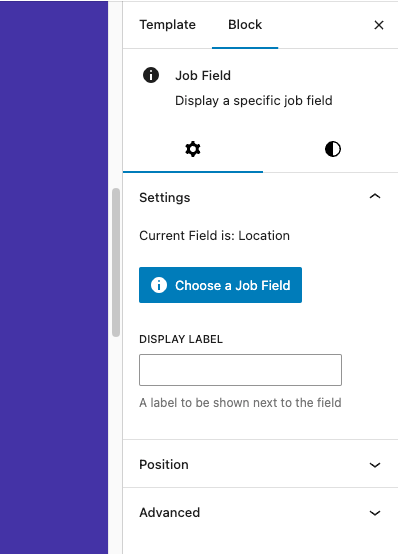
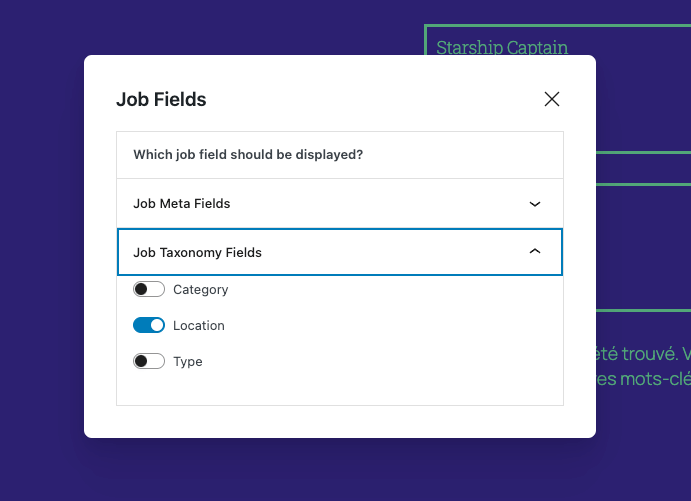
The Job Location Block is for displaying a job’s location taxonomy. It can be used in the Job Single template, as well as within the post template of the Matador Jobs List Block or any other Query Loop block.
In the Jobs Archive
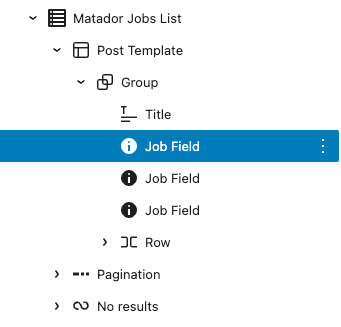
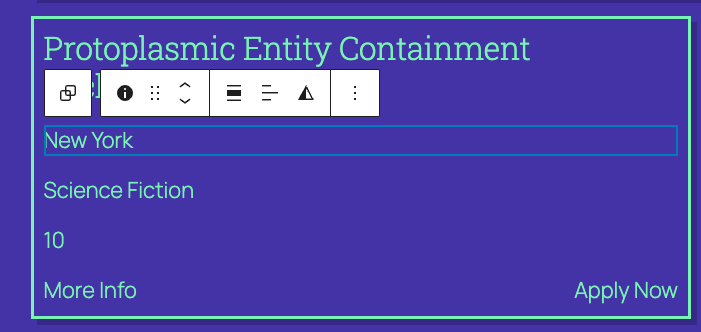
The Job Location block relies on having access to job data, this means it must be used in a context where a specific job’s data is accessible. For use on the jobs archive, this means the Job Location block should be used within a Query Loop block, Matador Jobs List block or equivalent.
In the Jobs Single
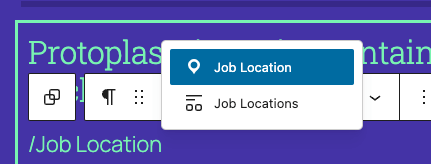
The main difference you will notice using the blocks here, is there won’t be any actual job data to show in the context of the editor. Instead you will see placeholders like this:
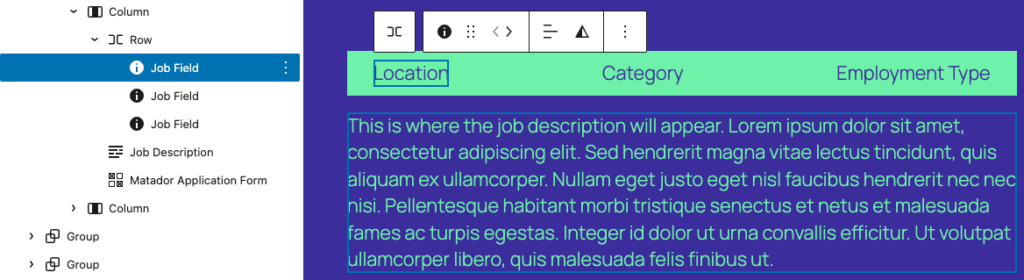
These placeholders will then be replaced with actual job data on the frontend: