
The Job Field Block is for displaying data about individual jobs on your site. It can be used to display Job’s taxonomy terms, or data from job’s postmeta. Several variants of this block are included in by default for convenience:
Using the Job Field block
On The Job Single
When using the Job Field block on the job single template you will notice there won’t be any actual job data to show in the context of the editor. Instead you will see placeholders like this:
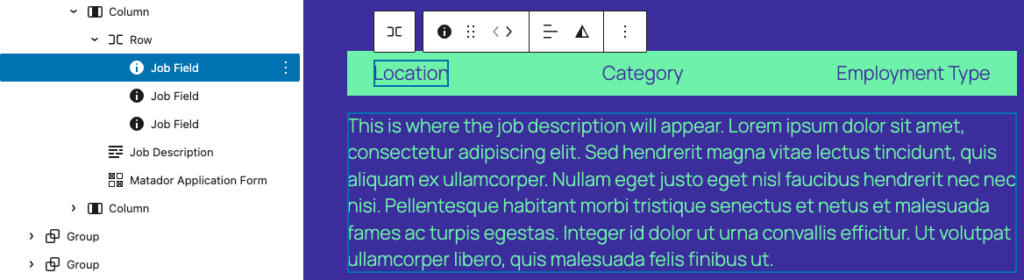
These placeholders will then be replaced with actual job data on the frontend:

Outside the Jobs Single
The Job Field block relies on having access to job data, this means it must be used in a context where a specific job’s data is accessible. For use outside the job single, this means the Job Field block should be used within a Query Loop block, Matador Jobs List block or equivalent.
Settings
Job Field Selection
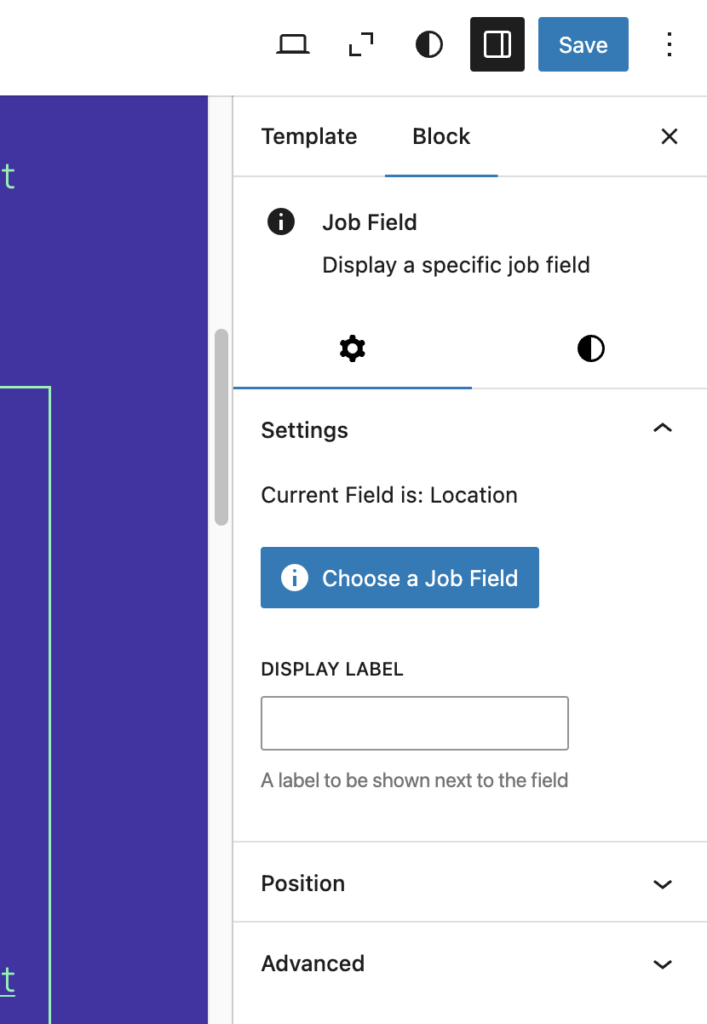
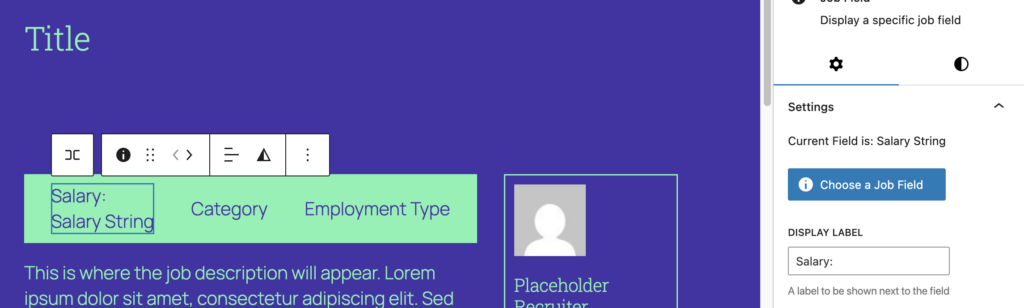
This setting determines which piece of job data the block will display. To see which field is currently selected, select the Job Field block and open the settings sidebar on the right of the editor page. Here you will see ‘Current Field is: ‘ followed by the name of the currently selected field.
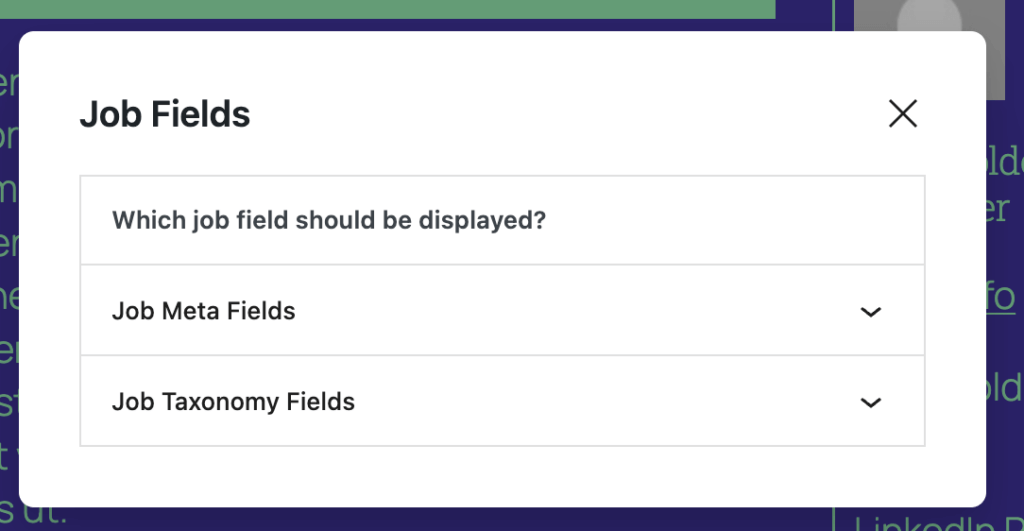
To Change which field is selected click on the ‘Choose a Job Field’ button. This will open a modal with 2 sections: ‘Job Meta Fields’ and ‘Job Taxonomy Fields’.
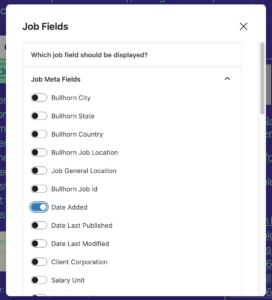
Each of these sections contains a list of all the available job postmeta fields or taxonomies respectively. Simply switch on the field which you wish to display.

Display Label
This setting can be used to add a label before the value output by the Job Field block. Open the block’s settings sidebar, and type in your label exactly as you want it to appear on the frontend. You should see the label appear in the editor too.

Styling
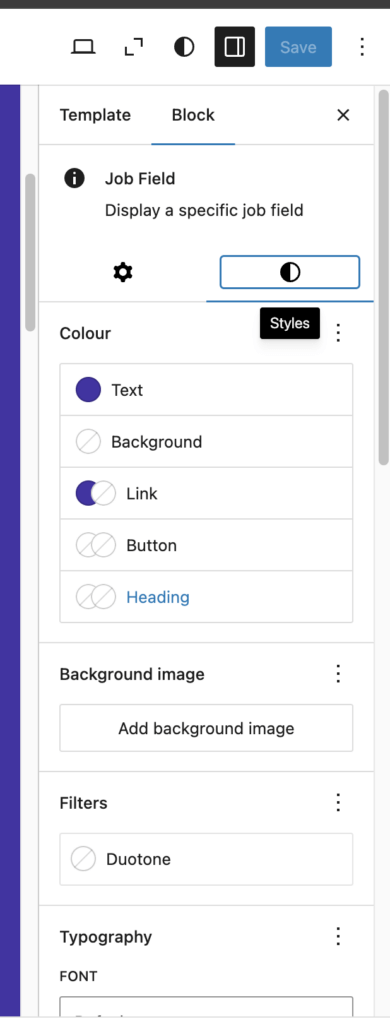
To style this block use the style tab in the block’s settings sidebar. This block declares support for many of WordPress’ core style controls.
If you are trying to achieve a particular style, but this is proving difficult, feel free to reach out to us for support here.