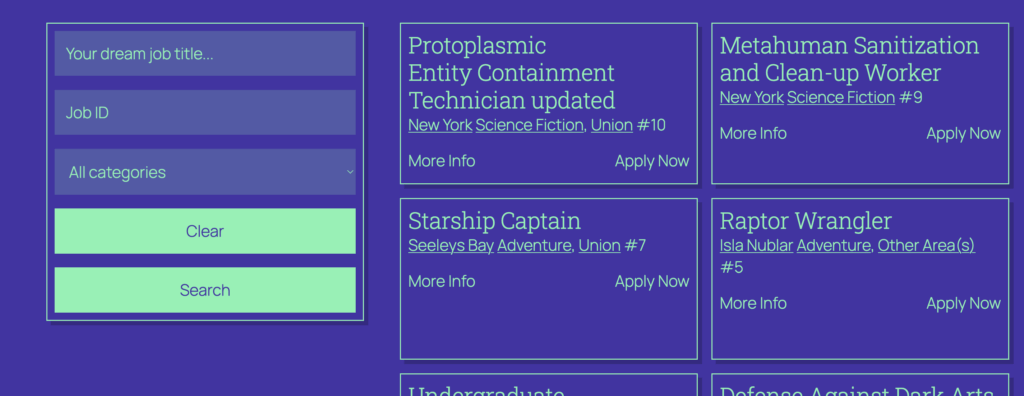
The Jobs Search Block is for adding search inputs to your site. Typically you would do this on the jobs archive, but it can also be placed elsewhere as a standalone search input which will render results on the jobs archive.
This block acts as a parent block for the search field blocks. This means the fields within the search block can be added, removed and rearranged as you wish.
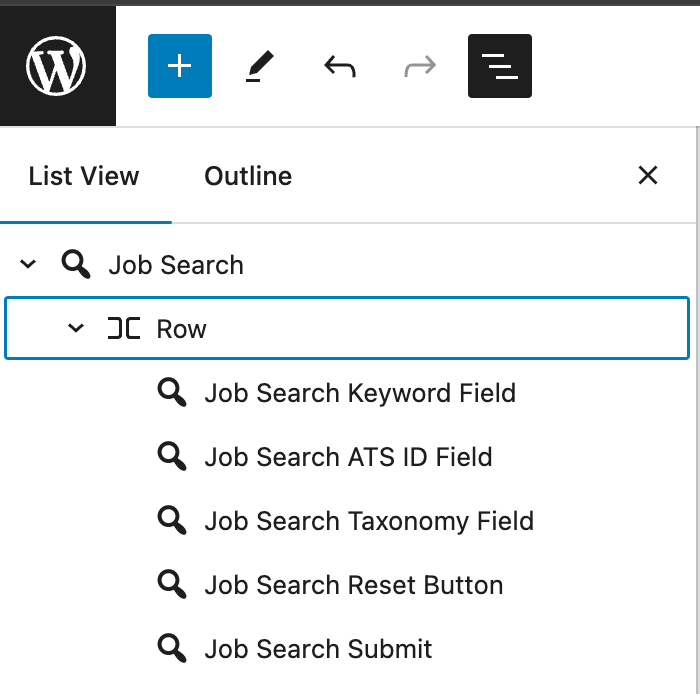
For more info on each of the search field blocks, see each block’s documentation:
- Job Search Keyword Field
- Job Search ATS ID Field
- Job Search Taxonomy Field
- Job Search Reset Button
- Job Search Submit Button
Settings
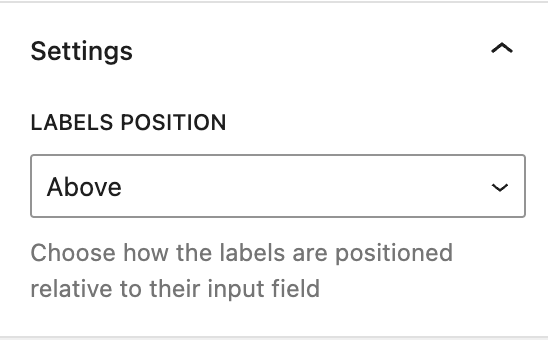
Labels Position
Use this setting to determine how search field labels should be positioned relative to their input. Possible options are Above, Below, To Left and To Right.
Styling
This block is a parent block intended to house its specific child blocks. As such, it has some overall style controls which can be used to set defaults for all the children. For example, the ‘Input Background Color’ style control can be used to set a background color for all the inputs at once. These overall styles can be overriden using the block-specific style controls of the child blocks if needed.
One useful tip when working with this block is using WordPress’ core layout blocks to determine how the child blocks are laid out. By default this block uses a Row block to lay the fields out horizontally, but by transforming this Row into a Stack we can easily achieve a vertical layout: