
Use this block to add a taxonomy filter field to the Job Search block. Use one instance of this block per taxonomy that you want users to filter results by. When a value is selected by a user, only jobs belonging to that taxonomy term will be shown.
Settings
Chosen Taxonomy
Use this setting to determine which taxonomy this search field should filter by. You will see all the job taxonomies available on your site to choose from. Use our Job Object Customizer add-on to import additional job fields from your ATS as taxonomies.
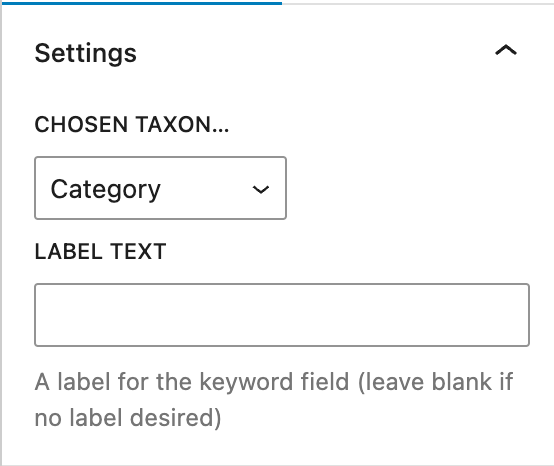
Label Text
Use the label text setting to add a label to the input. Just type in your desired label.
Styling
This block has some style controls to enable altering the text color, background color, input padding & input margin specifically for this field. These Job Search Taxonomy Field block specific style controls should only be used if you want to make a change specifically to this block, where possible it is easier to rely on the style controls of the parent Job Search block.