
If you are using the generate a page option
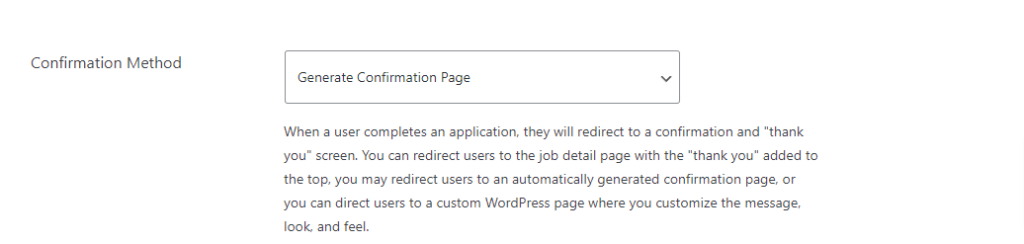
Then you can an action like this
add_action( 'matador_job_before_content', function(){
	?>
<img height="1" width="1" style="display:none;" alt="" src=https://px.ads.linkedin.com/collect/?pid=123456&conversionId=123456&fmt=gif />
<?php
});
If you are using the standard option

Then you need to use a filter like this
add_filter( 'matador_job_confirmation_message', function( $message ){

return $message . '<img height="1" width="1" style="display:none;" alt="" src=https://px.ads.linkedin.com/collect/?pid=123456&conversionId=123456&fmt=gif />';
});