
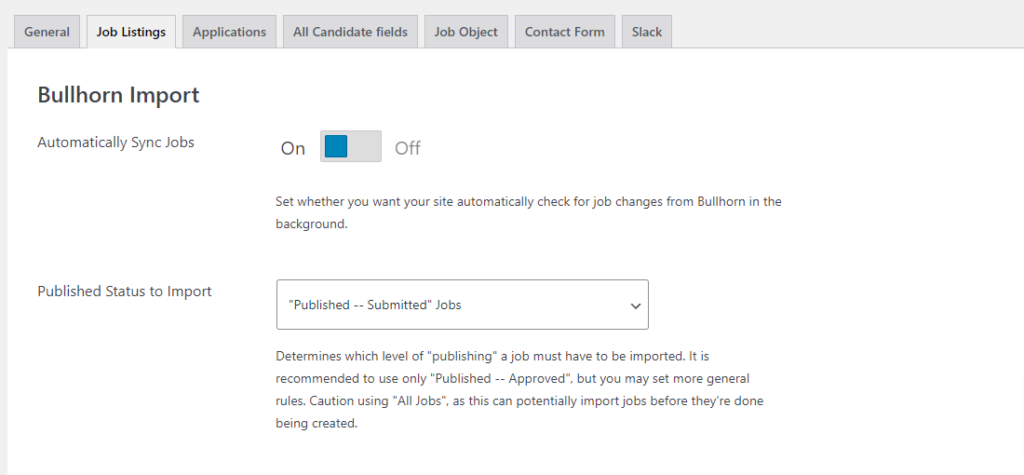
The “Published Status to Import” is a setting on the “Job Listings” tab in the Bullhorn Import section and understanding how this setting works is critically important to getting the right jobs imported. To understand what is going on, we have to go to a Job entry in Bullhorn:

The published status (isPublic) has three settings(values):
- Not Published (0)
- Published – Submitted (-1)
- Published – Approved (1)
You can add this to your edit screen and layout as needed

In the Bullhorn workflow, the job is created by a Bullhorn user and left “Not Published” while they are drafting the details for the job. Once they’re done, they submit the job for publishing by changing that drop-down menu to “Published – Submitted”. Bullhorn adds another step in this process to get the job from “Published – Submitted” to “Published – Approved”, which may seem unnecessary for smaller firms, but gives managers in bigger firms a way to prevent lower-level associates from publishing a job before it’s been reviewed. Only certain users in a firm may finally publish a job.
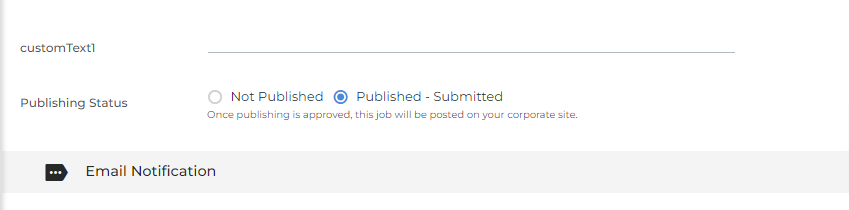
Note: Your workflow and layout may be different.
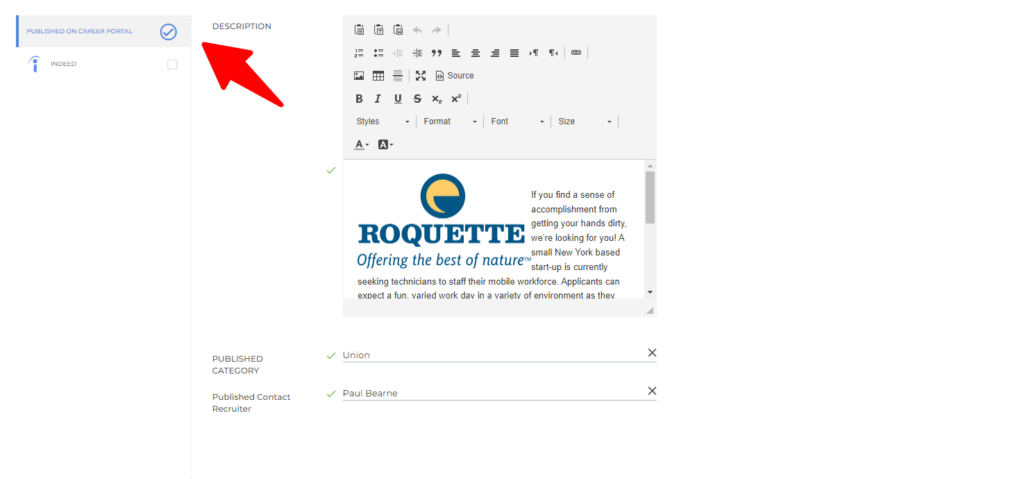
So, to finally “Publish” the job, given your Bullhorn login has that level of permissions, go to the top-right and click on the “Actions” dropdown and then choose “Publish” in the drop-down menu. After you’ve reviewed the description on another page (not pictured) and completed that step, you will be returned to the job page, where the “Published Status” has become “Published – Approved”.

Now that you know how the process works at Bullhorn, here is why it matters on your Matador site. The setting “Published Status to Import” lets you control how soon jobs are imported from Bullhorn into your Matador site. “All Jobs” will import all jobs that aren’t deleted, filled, or archived, regardless of publishing status. This is dangerous, as it will import jobs that might be considered drafts and may even import them in the middle of your creating the jobs. If set to “Published – Submitted,” jobs marked as submitted or approved are brought in. Useful if you want to skip the publishing step or allow all members of your team to add jobs that show up on your Matador site. Finally, “Published – Approved” will only import jobs that are published by a person with that ability. This is the recommended setting.